How to make a highlight video from scuba diving footage
Published · Updated
Short answer
Below a few metres water absorbs red light, so dive footage turns blue-green unless you use a red filter, a video light or colour correction. Shoot each dive with the camera in a rated dive housing, upload all the clips to RawClip, and choose one of the highlight lengths it calculates from the marine life and moments it found.
What you need
- An action camera in a dive housing rated for your depth, or a camera that is waterproof to the depth you dive
- A red or magenta filter, or a video light, for colour at depth
- A computer to copy the dives off the card after the boat
- A Google Drive folder from the dive centre or your buddy, if they share clips that way
Step by step
-
Put the camera in a rated housing
A HERO13 Black is waterproof to 10 metres on its own, which is shallower than most dives. GoPro's Protective Housing is rated to 60 metres for HERO10 to HERO13 Black, and a dive housing like it, with a depth rating beyond your planned depth, is what keeps the camera dry. Check the seal and wipe the O-ring before every dive.
-
Bring back the colour
NOAA explains that red light is filtered out of water first, then orange and yellow, while blue penetrates best; PADI puts the loss of red at around 5 metres. That is why footage from 15 metres looks blue or green. Filter makers advise a red filter for blue water and a magenta one for green water. Deeper down or at night, only a video light restores real colour.
If the clips are still blue, run them through a colour correction before uploading. RawClip edits the footage in the colour it arrives in.
-
Upload all dives from your computer
After the trip, copy every dive into one folder and drop it into a RawClip highlight. Long descents, safety stops and drifting over sand are fine to include: the analysis looks for the turtle, the shark pass and the wreck swim-through on its own.
Your buddy's camera and the dive guide's clips can join the same order, so the highlight shows the whole group underwater.
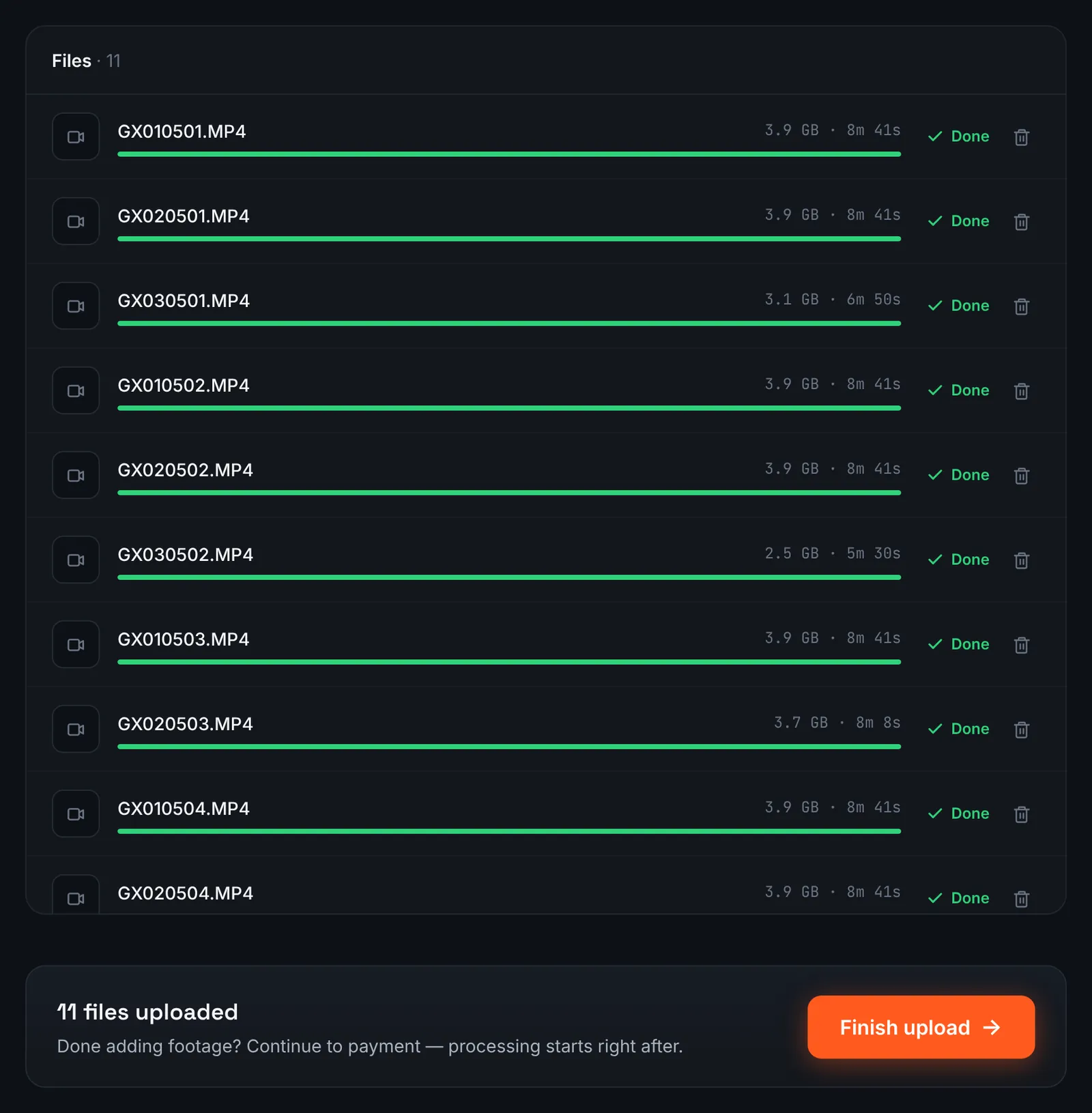
A dive trip uploaded from the laptop. -
Or paste the dive centre's Google Drive link
Dive centres and liveaboards often hand out a Google Drive folder with the guide's footage. Ask for link sharing ("Anyone with the link"), choose Google Drive link in RawClip and paste it, and the clips are fetched without downloading them on hotel Wi-Fi.
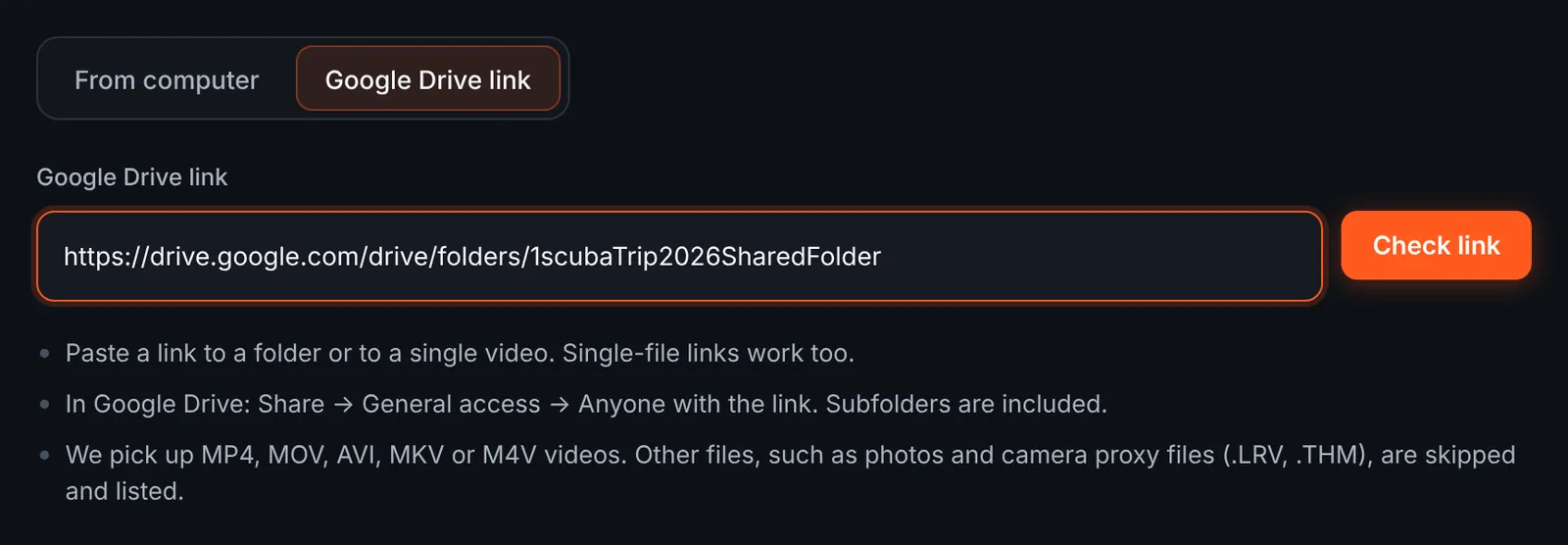
The dive centre's Drive folder as the source. -
Select the dives you want
The review shows each dive's videos by folder with lengths and the total. GoPro proxy and thumbnail files are skipped and listed. Keep the dives you were on and untick the rest.
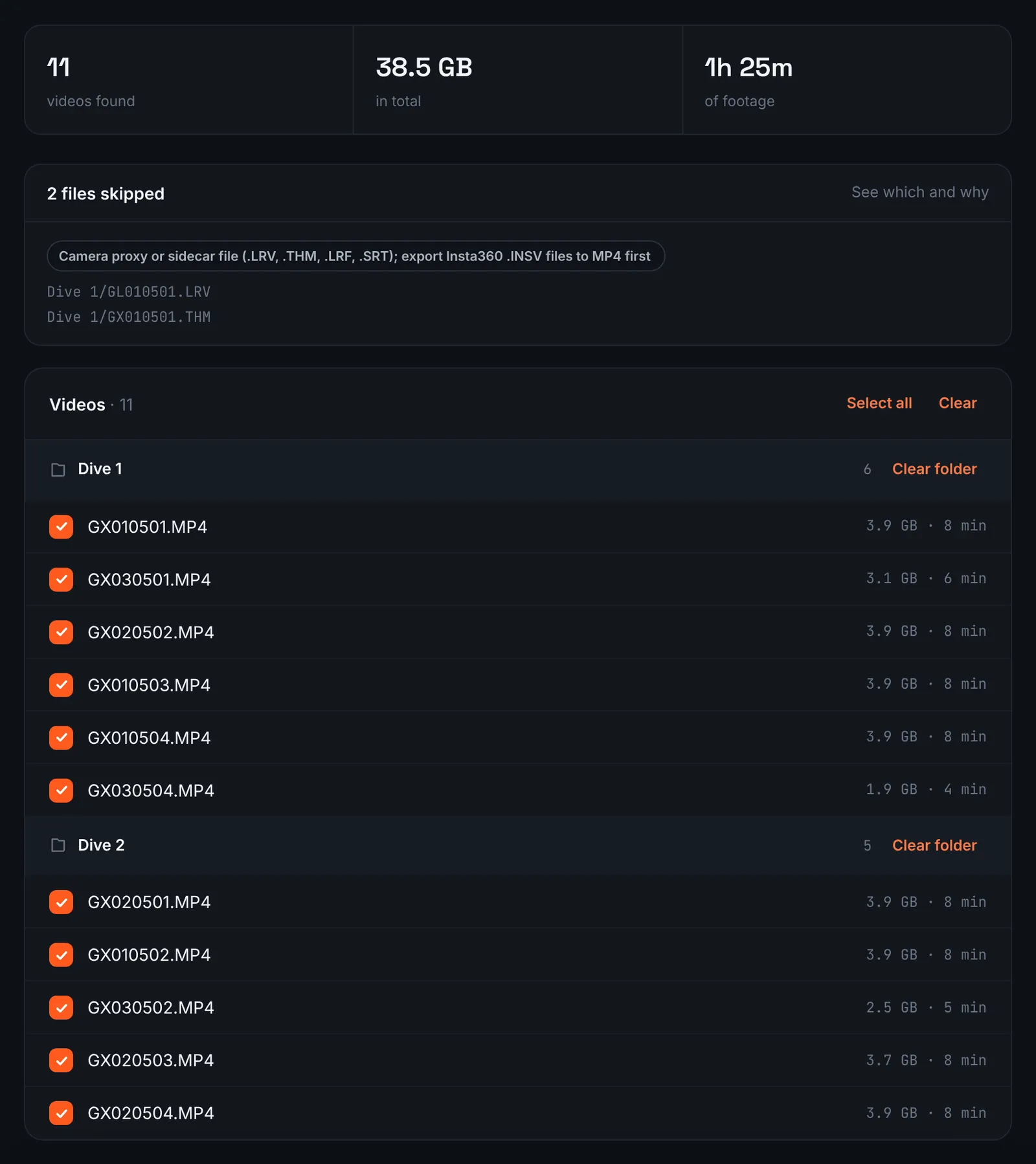
Dive videos grouped by dive. -
Pay and let the dives be analysed
Long dives make for big totals, and that combined length is the only thing that sets the price: $9.90 for up to 1 hour, $19.90 for up to 6 hours, $39.90 for up to 12 hours, $79.90 for up to 24 hours. Orders under 1h of footage are processed first and paid later: you watch a watermarked 480p preview and pay only to unlock the 4K and 1080p files. Each dive is reviewed by the analysis after payment.
-
Choose the highlight length
Underwater footage is slow and calm, so the right length depends on how much happened. The choose screen lists quality levels with clip counts and estimated durations derived from your dives; a short level keeps only the encounters, a longer one keeps more of the reef.
For 3 days after the highlight is ready you can re-cut it to another length or switch the music on or off without a new upload: the first 3 re-cuts are free, each one after that is $2.90.
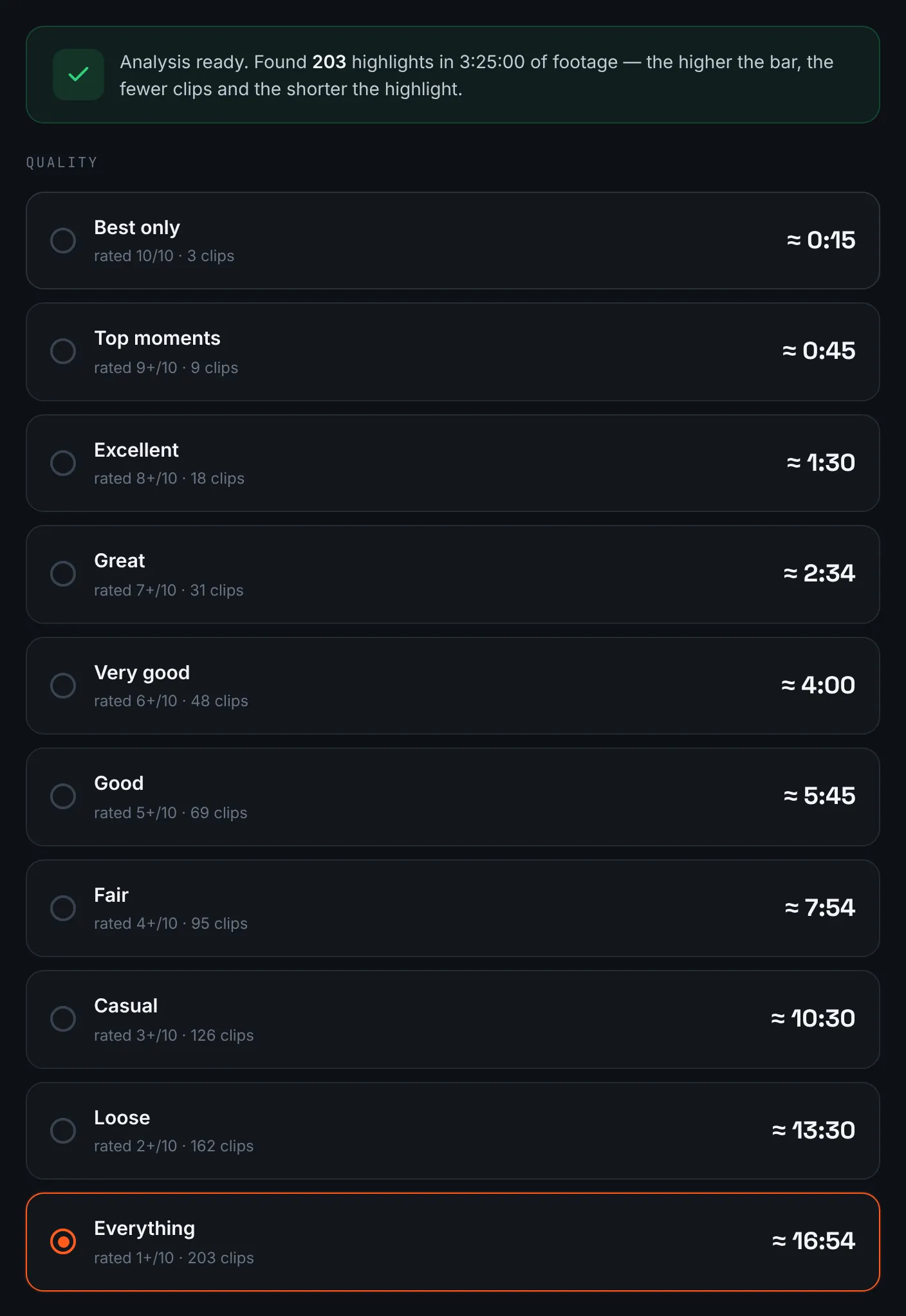
Length options for a dive trip. -
Download the dive highlight
The dive group can watch through the share link, and you can keep the 4K original; files remain for 14 days.
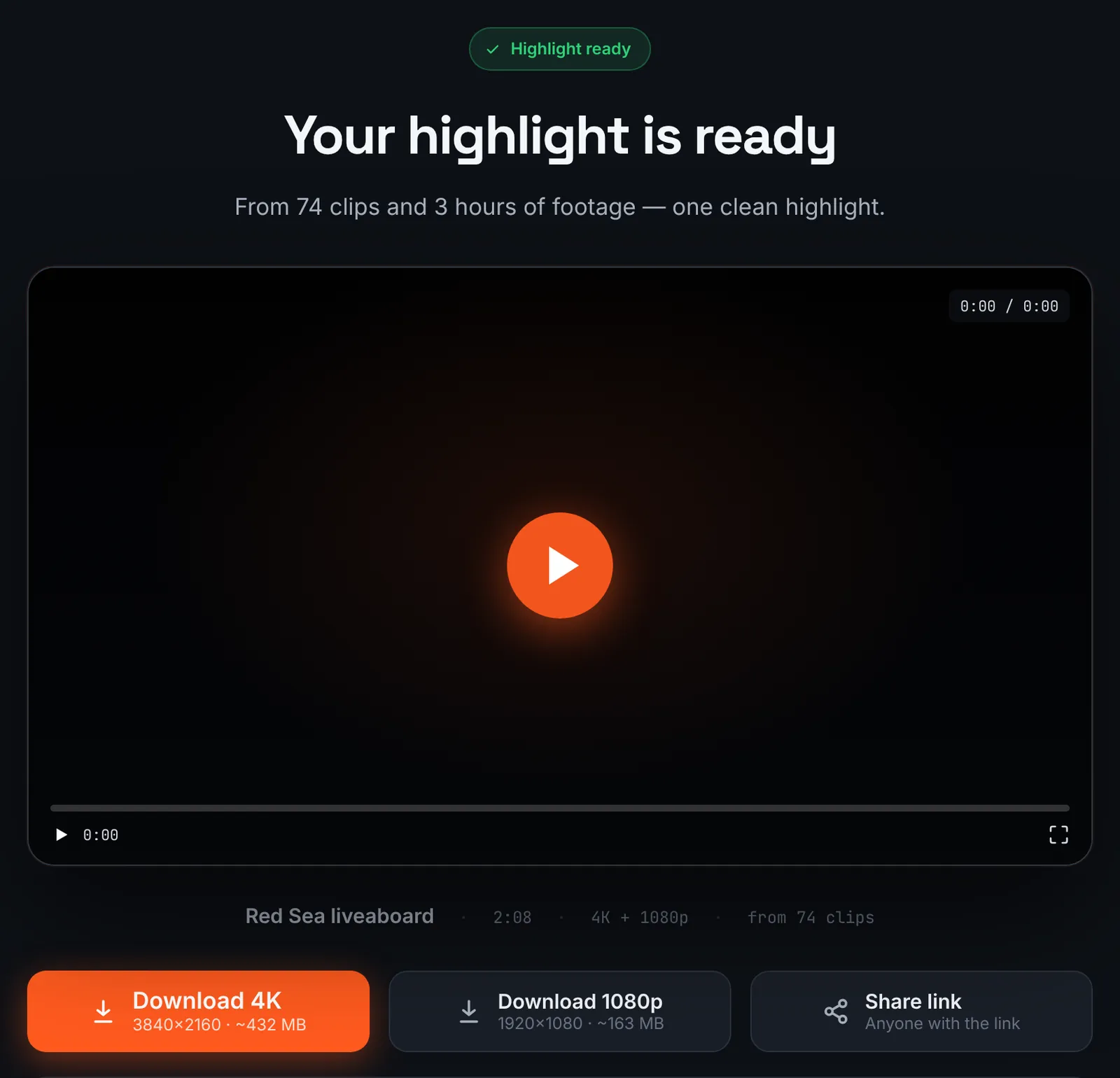
The dive trip highlight.
Common mistakes and how to fix them
- Everything is blue
- Red light is gone below a few metres. Use a filter or a light, and correct the colour before uploading.
- Fog inside the housing
- Close the housing in cool, dry air and add anti-fog inserts on humid boats.
- Backscatter in torch-lit clips
- A light mounted close to the lens lights up particles. Move lights out to the sides.
- Shaky, fast pans
- Underwater, move slowly and hold each scene for a few seconds; quick pans look worse than on land.
Doing it by hand vs with RawClip
Most dive footage is calm and similar. The editing question is how to find the few moments that stand out.
| Aspect | By hand | With RawClip |
|---|---|---|
| Colour | Graded in your editor | Correct before uploading |
| Finding encounters | Watch every dive in full | Moments are ranked for you |
| Buddy and guide clips | Merged and synced by hand | Combined in one order |
| Pace | You control every cut | Length and music only |
| Cost | Editor and your time | $9.90 for up to 1 hour, $19.90 for up to 6 hours, $39.90 for up to 12 hours, $79.90 for up to 24 hours |
Documentary-style dive films with narration need a hand edit. A highlight of a week of diving, to share with the group, is quicker as an automatic cut.
Try it with your own footage
Orders under 1h of footage are processed first and paid later: you watch a watermarked 480p preview and pay only to unlock the 4K and 1080p files. Pricing is per order and depends only on how much footage you send: $9.90 for up to 1 hour, $19.90 for up to 6 hours, $39.90 for up to 12 hours, $79.90 for up to 24 hours.