How to make a highlight video from skydiving footage
Published · Updated
Short answer
Each jump file holds the plane ride, the exit, a minute or so of freefall and the canopy flight, and the exit and freefall are what people want to see. Upload every jump from your helmet camera to RawClip without trimming, and choose a highlight length from the options it builds from the strongest moments of all jumps.
What you need
- Jump footage from a helmet-mounted camera, filmed within the camera rules of your drop zone and national association
- A computer and a card reader to collect the jumps after the day
- Clips from a tandem or camera flyer, if someone filmed you
- The drop zone's Google Drive folder, if your videos were shared that way
Step by step
-
Respect the camera rules first
Jumping with a camera adds snag risk and distraction. USPA recommends being licensed and having 200 jumps before jumping with any camera, plus 50 recent jumps on the same gear, and drop zones add their own rules. Cover or tape every edge that could catch a line, and use a camera helmet with an emergency release you can work with either hand. A camera flyer filming others needs even more experience.
-
Start recording on the ground or in the plane
Gloves and an altimeter on the wrist make it hard to press a button in the door. Start the camera before boarding or on the climb and let it run until you land. The plane ride is fine to keep; it is easy for the analysis to skip.
Film at 60 fps or more if your camera allows, so exits and docks stay smooth.
-
Upload every jump from your computer
Copy the jumps into one folder and drag them into a RawClip highlight. A busy boogie can produce dozens of files, each with long climbs; upload them all. The analysis looks for the exit, the formations and the opening, and passes over the plane ride.
Footage from your tandem instructor, a camera flyer or a friend in the same group can sit in the same order and becomes part of the same video.
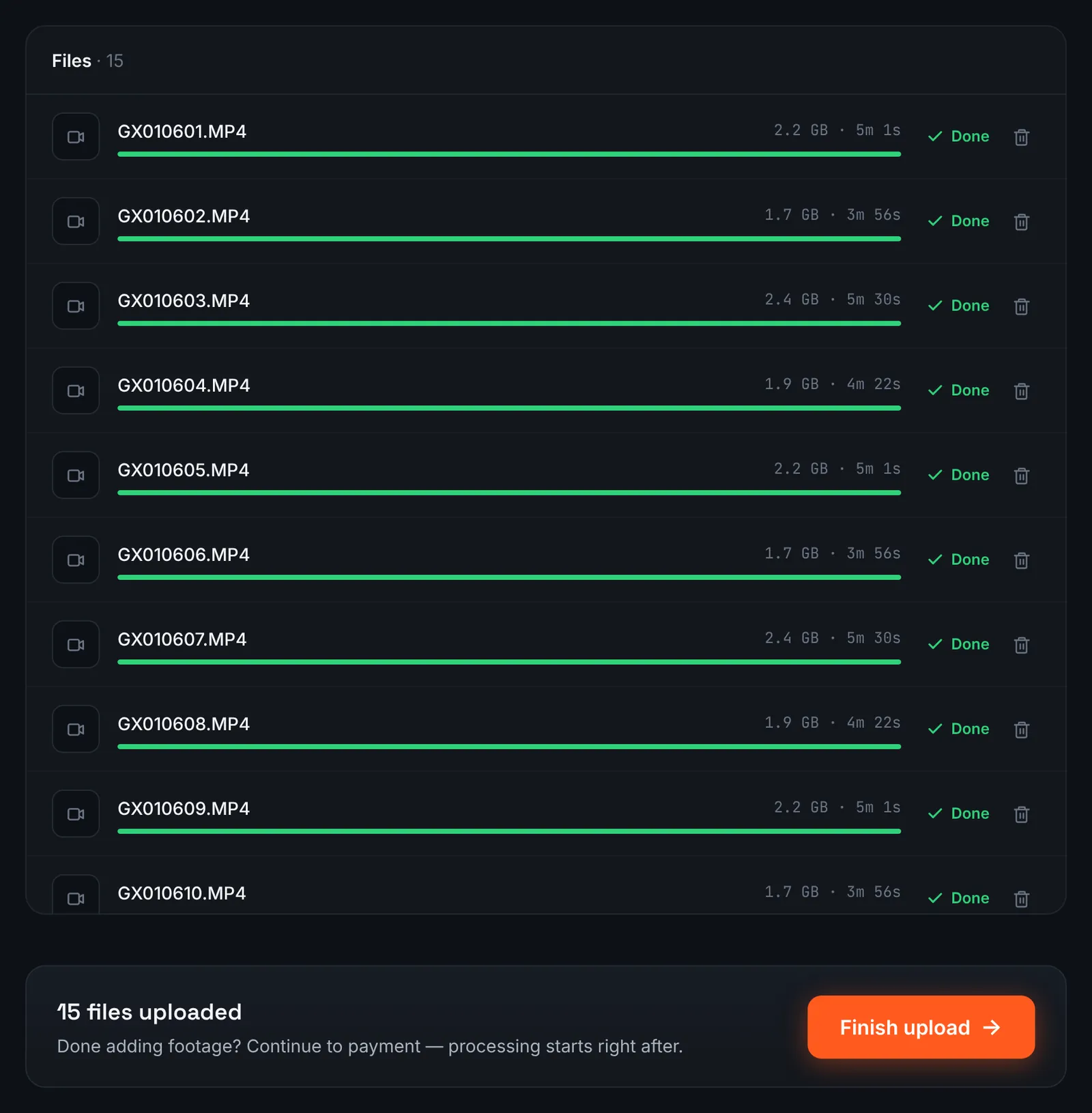
A boogie of jumps uploaded from the computer. -
Or use the drop zone's Google Drive link
Many drop zones and video flyers deliver jump videos as a Google Drive folder. If the folder opens for "Anyone with the link", select Google Drive link in RawClip and paste it; the files come straight to RawClip.
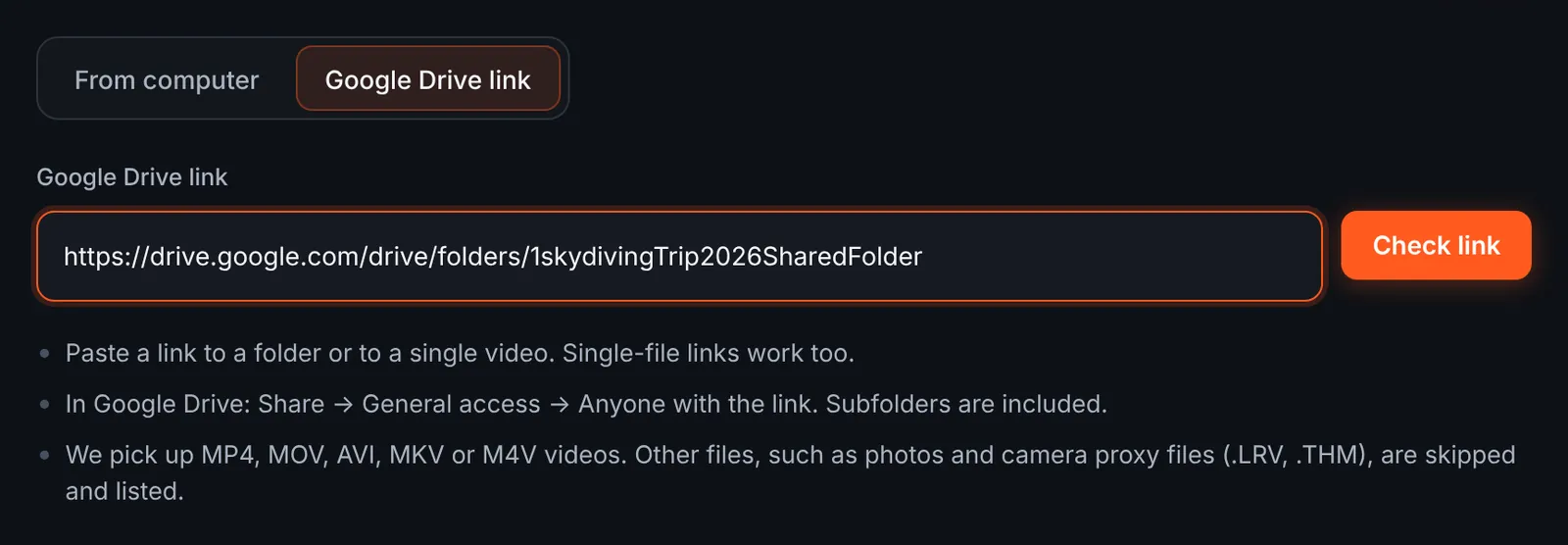
Jump videos shared by the drop zone. -
Pick your jumps from the folder
The review lists each jump with its length and the total. Proxy files from the camera are skipped automatically. Untick other people's jumps if the folder holds the whole load, then download.
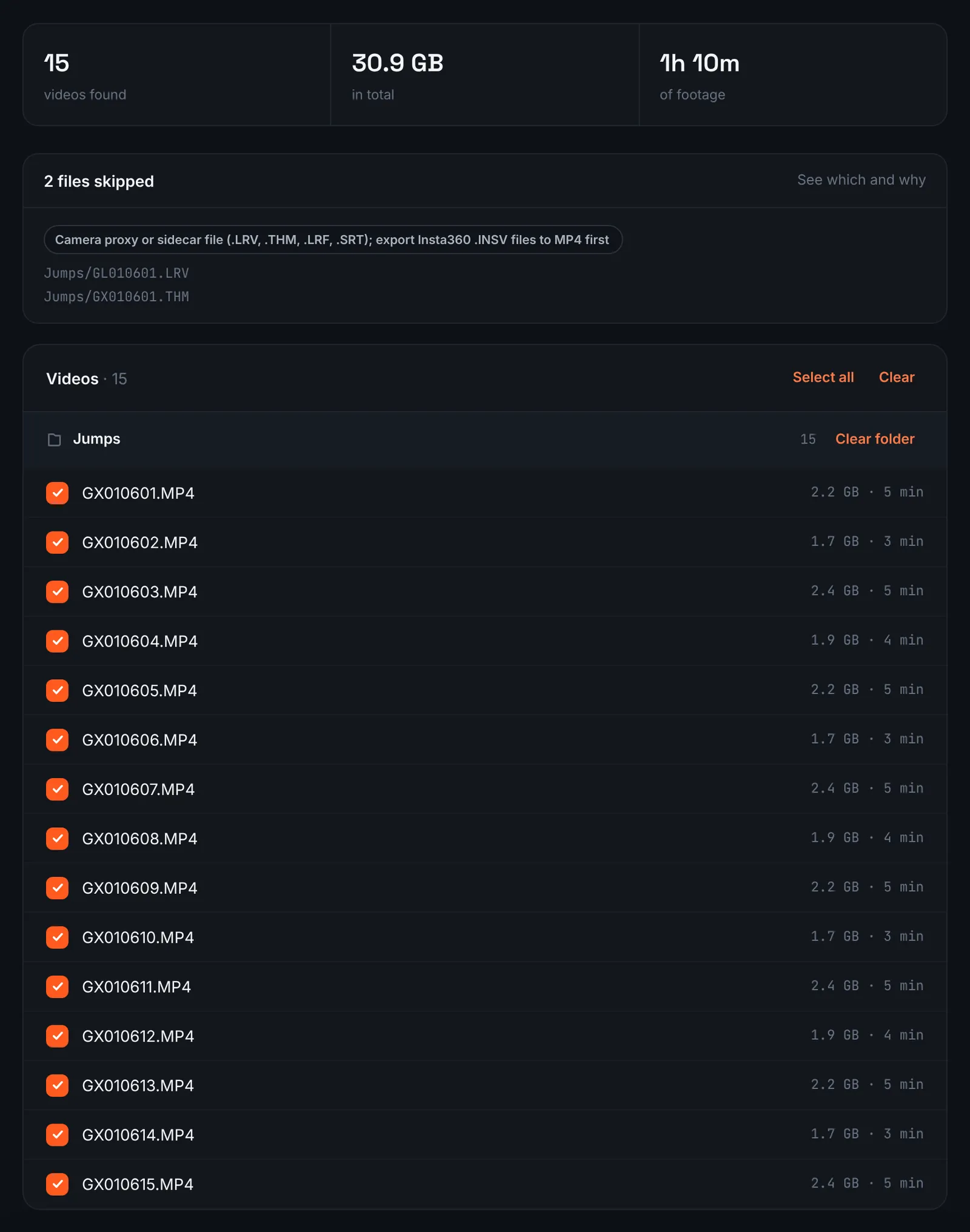
Jumps found in the drop zone folder. -
Pay and wait for the jumps to be analysed
Jumps are charged by their summed length, climbs to altitude and all ($9.90 for up to 1 hour, $19.90 for up to 6 hours, $39.90 for up to 12 hours, $79.90 for up to 24 hours). Orders under 1h of footage are processed first and paid later: you watch a watermarked 480p preview and pay only to unlock the 4K and 1080p files. The analysis runs on its own after that.
-
Choose how long the jump edit runs
Freefall is short, so even many jumps leave a limited amount of peak action. The choose screen reflects that with quality levels and estimated durations calculated from your jumps; the top ones keep only exits and the best moments in freefall.
For 3 days after the highlight is ready you can re-cut it to another length or switch the music on or off without a new upload: the first 3 re-cuts are free, each one after that is $2.90.
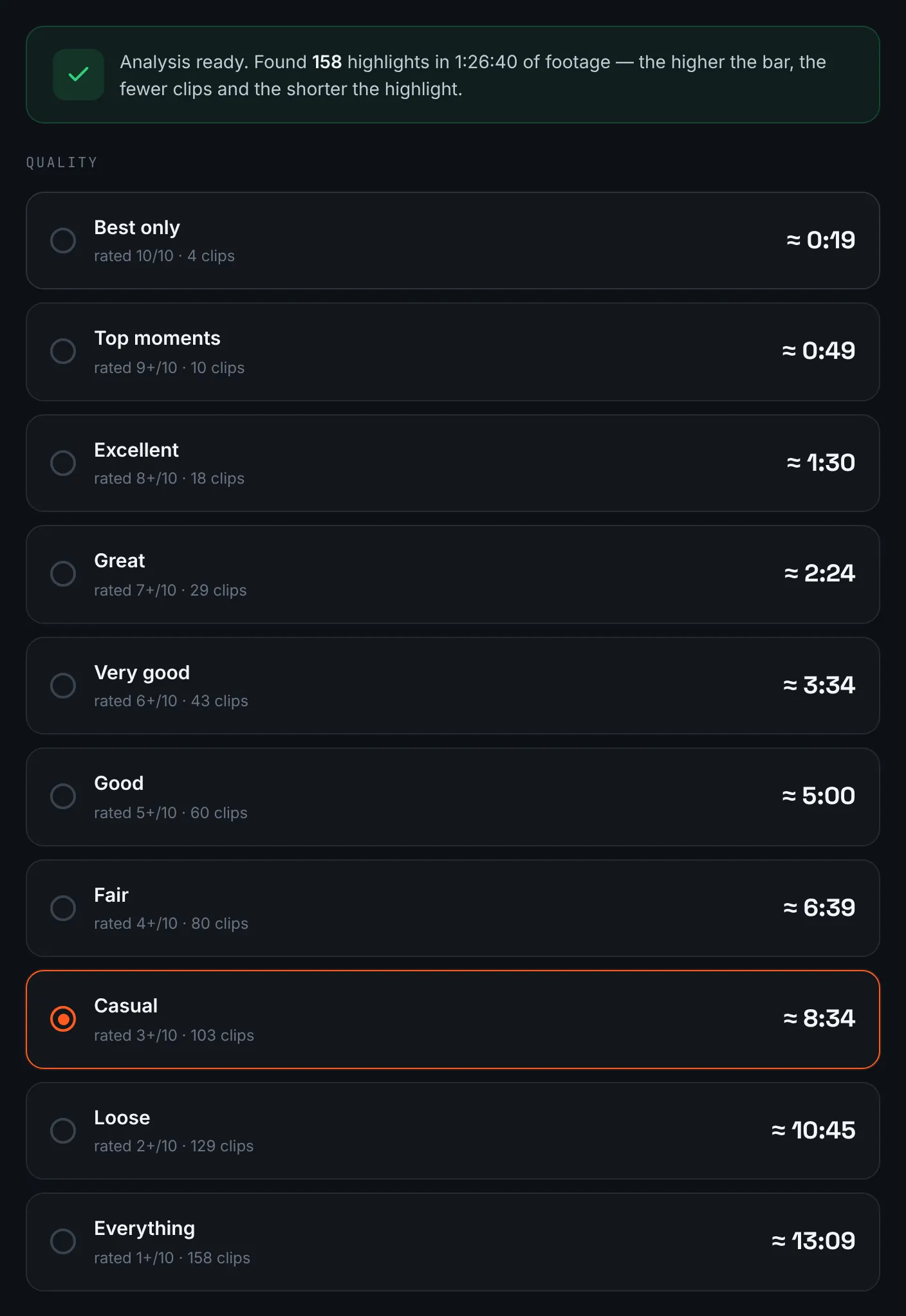
Length options for a set of jumps. -
Download the skydiving highlight
Take the 4K jump edit for your logbook folder and share the 1080p one with your group; it remains available for 14 days.
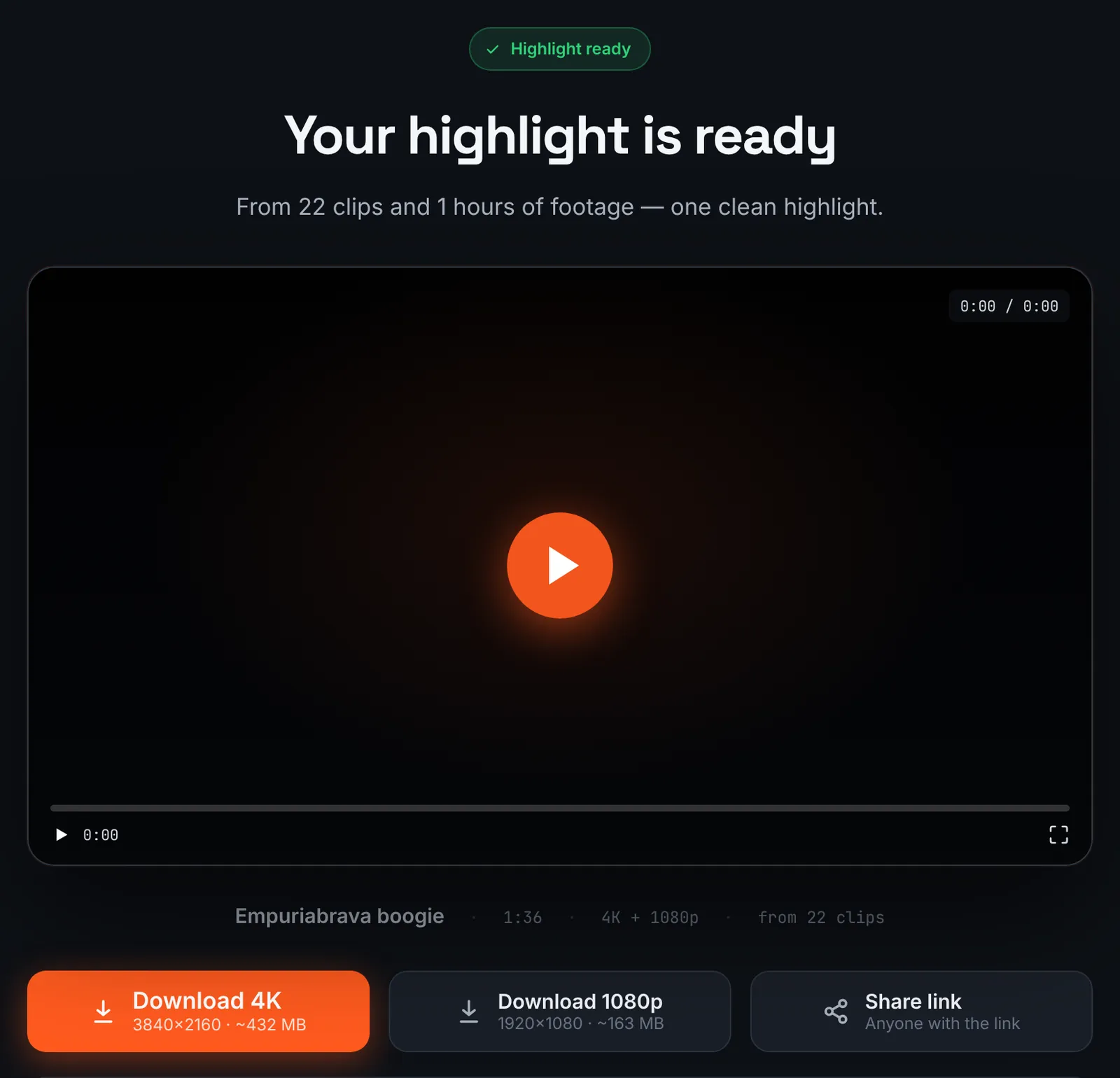
The finished jump highlight.
Common mistakes and how to fix them
- Missed the exit
- The camera was started too late. Start it in the plane, long before the door opens.
- Wind noise drowns everything
- Freefall audio is mostly roar. With the generated soundtrack on, music is mixed over the camera sound, so the edit does not rely on it.
- Horizon spinning in freefall
- Turns in freefall rotate the picture. A camera with horizon levelling keeps it steadier; see horizon lock.
- Canopy footage dominates
- Canopy flights are long and calm. Pick a higher quality level so the highlight keeps exits and freefall.
Doing it by hand vs with RawClip
Every jump file follows the same pattern, which makes manual editing repetitive.
| Aspect | By hand | With RawClip |
|---|---|---|
| Finding exits | Scrub to the door in every file | Exits and freefall found for you |
| Many jumps | One clip per jump on the timeline | All jumps in one order |
| Instructor or flyer clips | Matched by hand | Combined by recording time |
| Effects | Freeze frames, slow motion, titles | Length and music |
| Cost | An evening after every boogie | $9.90 for up to 1 hour, $19.90 for up to 6 hours, $39.90 for up to 12 hours, $79.90 for up to 24 hours |
A tandem video for a one-off jump is often already edited by the drop zone. For a season or a boogie of your own jumps, an automatic highlight saves scrubbing through the same climb again and again.
Try it with your own footage
Orders under 1h of footage are processed first and paid later: you watch a watermarked 480p preview and pay only to unlock the 4K and 1080p files. Pricing is per order and depends only on how much footage you send: $9.90 for up to 1 hour, $19.90 for up to 6 hours, $39.90 for up to 12 hours, $79.90 for up to 24 hours.