How to make a highlight video from wakeboarding footage
Published · Updated
Short answer
At a cable park, film from the dock or a tower with a phone or camera on a tripod; behind a boat, a boom or pylon mount gives a steady follow shot of the rider. Upload every set and every angle to RawClip, and pick a highlight length from the options it calculates from the tricks and falls it found.
What you need
- An action camera on a boom, pylon or handle mount, or a phone on a tripod at the cable park
- Waterproofing or a housing for anything that goes on the water
- A computer and a card reader
- A shared Google Drive folder, if the crew collects clips there
Step by step
-
Get a steady angle on the rider
Behind a boat, a boom mount or a camera on the tower points back at the rider and stays at the same distance, which makes for a clean, repeatable follow shot of every trick. At a cable park the rider passes the obstacles at fixed spots, so a tripod at the kicker or rail catches every attempt.
A handheld camera adds a close, shaky point of view; use it as a cutaway rather than the main angle. On the water, a floating grip such as GoPro's The Handler, whose orange end pops to the surface, saves the camera after a fall.
-
Film every attempt, including the falls
A landed trick and the four crashes before it all belong in the footage. Falls make good moments in a highlight, and you only find out which attempt was best afterwards. Keep recording for whole sets or laps.
-
Upload every set from your computer
Put the boom, tower and phone clips into one folder and drag it into a RawClip highlight. Waiting on the dock, slow laps and the ride back can stay in; the analysis finds the tricks, wipeouts and airs.
Clips from several riders and cameras go into one order, so a session with friends becomes one edit.
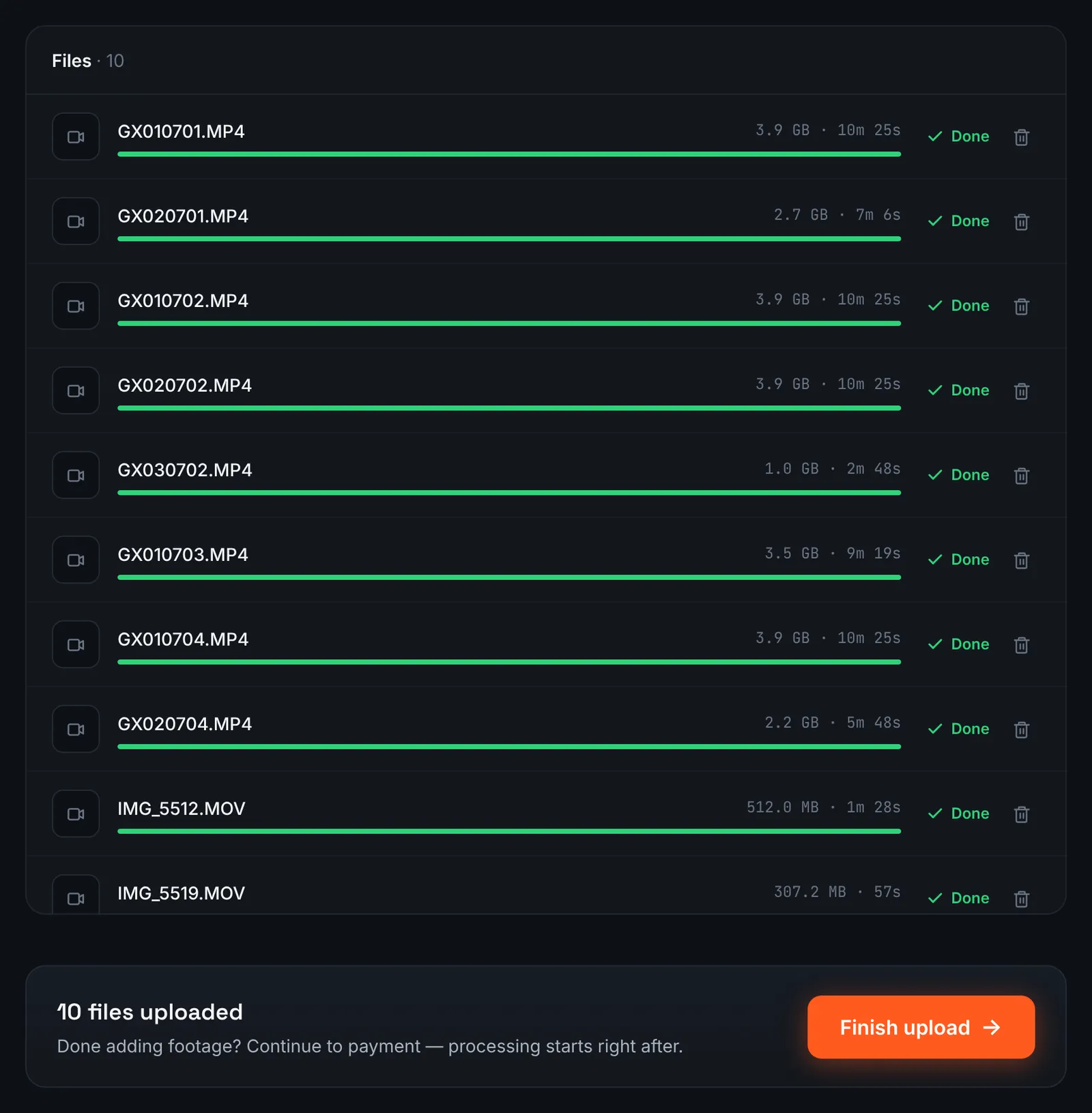
Action camera and phone clips from a cable park weekend. -
Or paste the crew's Google Drive link
When the crew drops footage in a shared Google Drive folder, open its sharing to "Anyone with the link", switch RawClip to Google Drive link and paste the address.
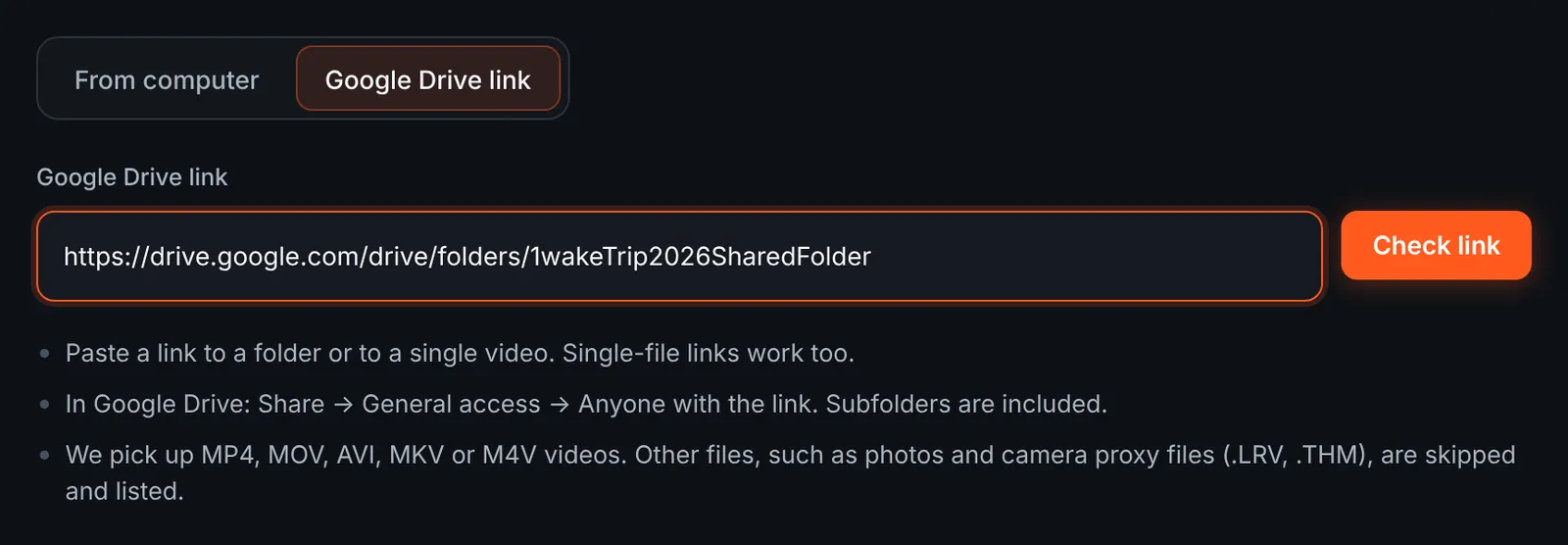
The crew's shared folder as the source. -
Choose the sets to download
Each clip in the folder appears with its length, grouped by subfolder such as "Saturday" and "Sunday". Camera side files are skipped and listed. Remove anything off-topic, then start the download.
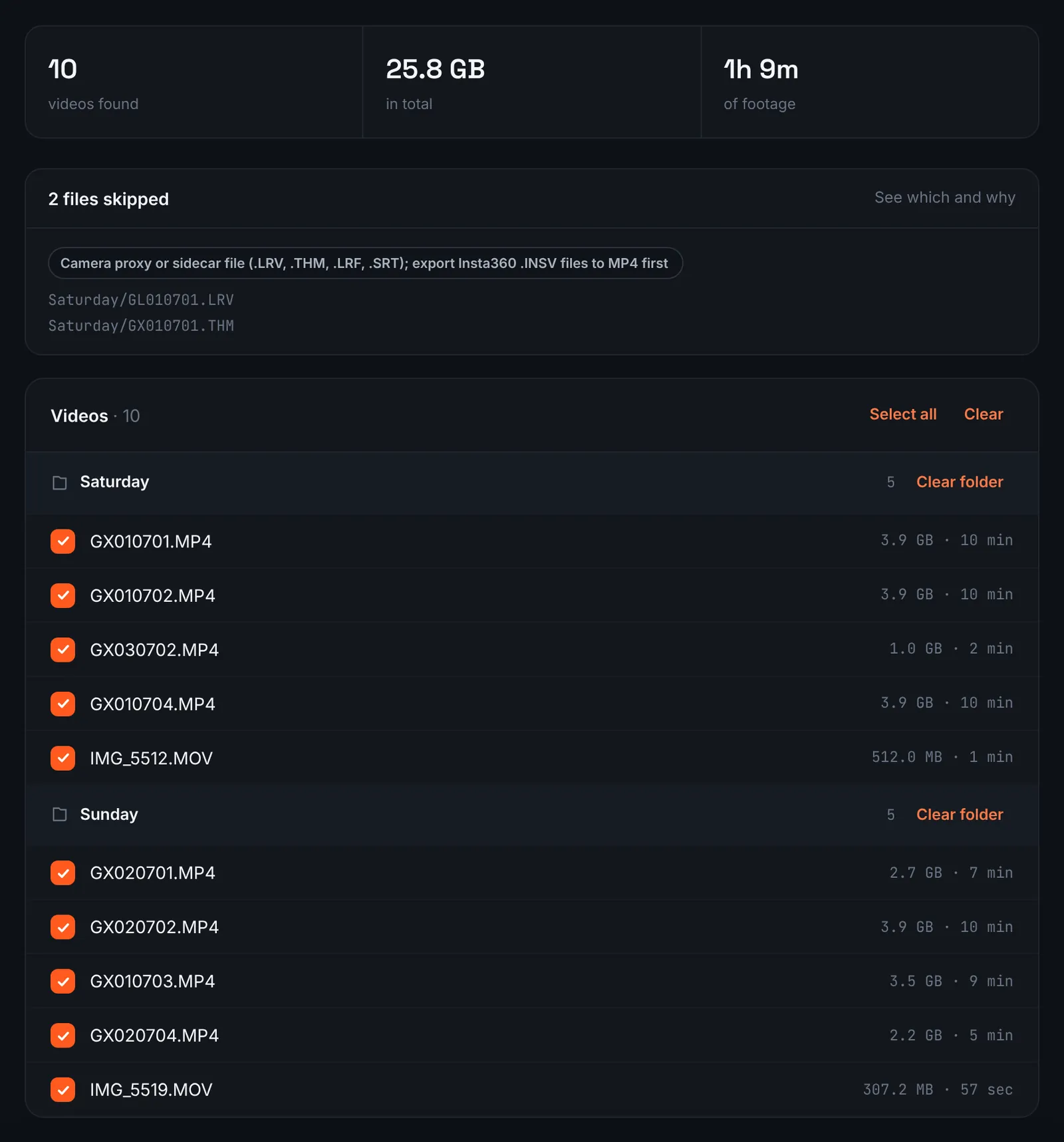
Wake sets from Drive, grouped by day. -
Pay for the session
However many sets and riders there are, only their total running time matters for the cost ($9.90 for up to 1 hour, $19.90 for up to 6 hours, $39.90 for up to 12 hours, $79.90 for up to 24 hours). Orders under 1h of footage are processed first and paid later: you watch a watermarked 480p preview and pay only to unlock the 4K and 1080p files. Tricks are then looked for automatically.
-
Select a highlight length
Wakeboarding packs many short moments into a session, so the choose screen often offers a good spread of lengths. Each level shows how many clips it keeps and how long the result will roughly be, calculated from your footage.
Music is synced to the cut when the soundtrack is on. For 3 days after the highlight is ready you can re-cut it to another length or switch the music on or off without a new upload: the first 3 re-cuts are free, each one after that is $2.90.
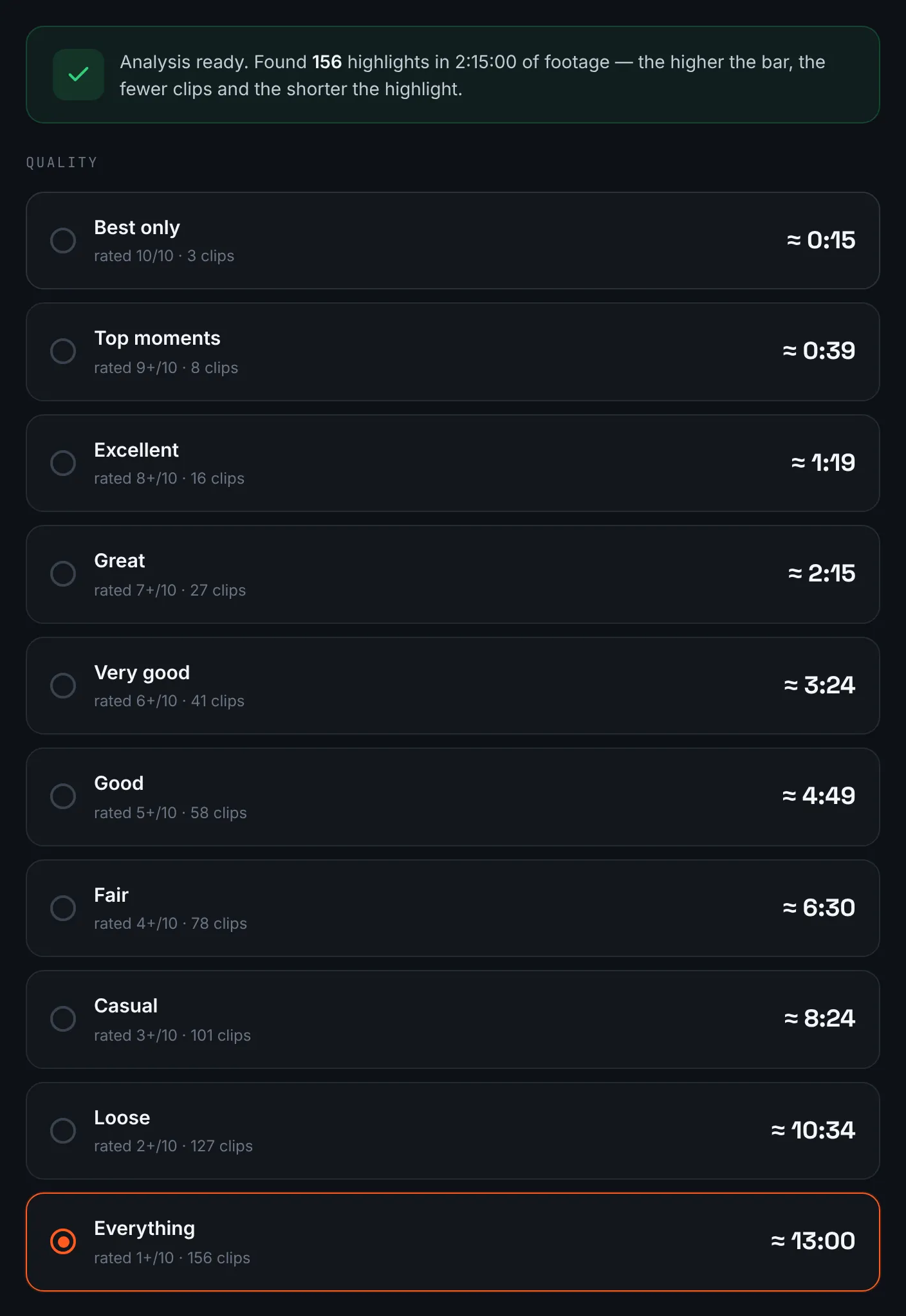
Lengths offered for a wake session. -
Download the wake edit
The wake edit is ready in 4K and 1080p, and the share link works for the whole crew for 14 days.
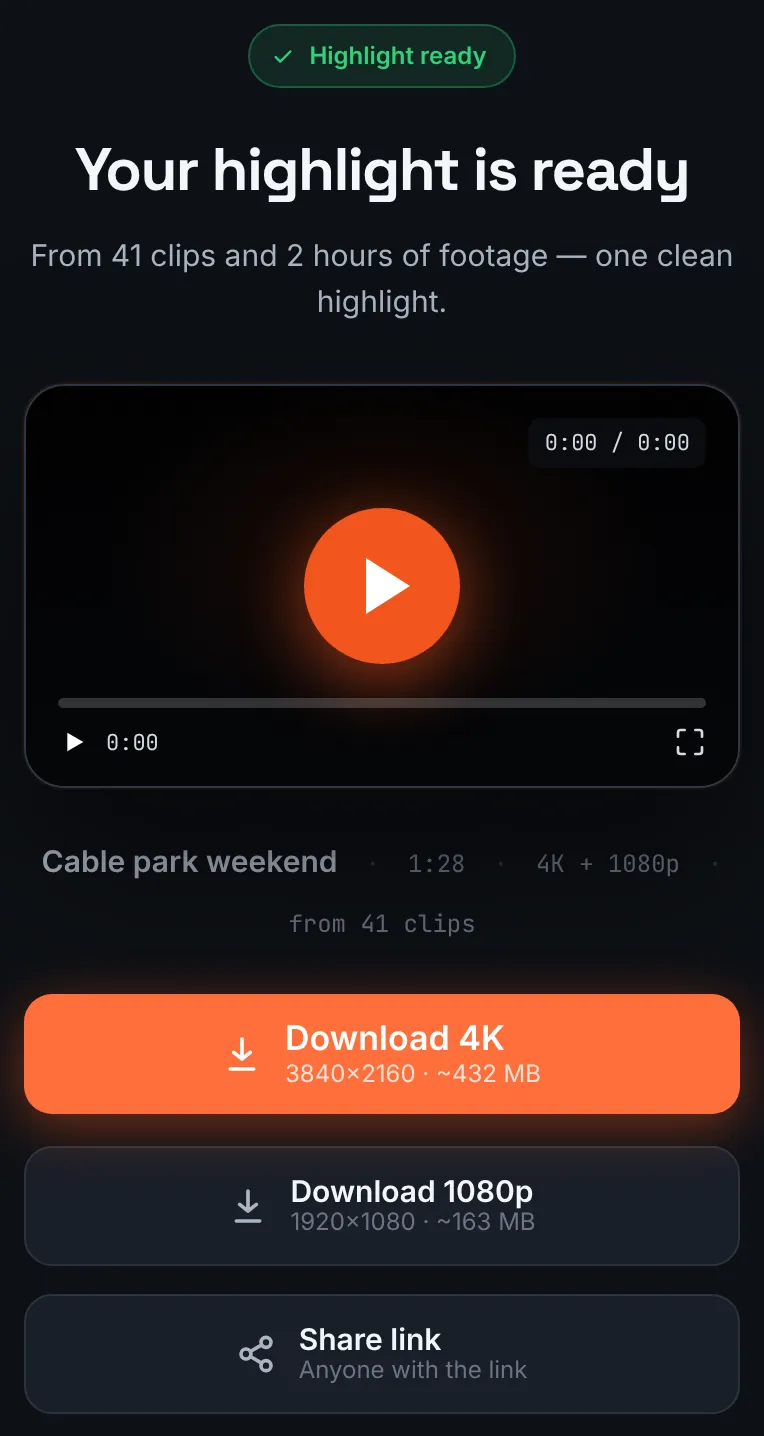
The wakeboarding highlight.
Common mistakes and how to fix them
- Rider too small in frame
- A wide lens at the back of a long boat makes the rider tiny. Use the boom or a narrower field of view.
- Spray on the lens
- Wake spray leaves drops. Wipe the lens between sets.
- Vertical phone clips mixed with wide action camera clips
- Any wide clip makes the whole highlight wide. Film the phone sideways at the park.
- Missing the best trick
- Recording was stopped between attempts. Keep the camera running through whole sets.
Doing it by hand vs with RawClip
Wake sessions are repetitive by design: lap after lap, attempt after attempt.
| Aspect | By hand | With RawClip |
|---|---|---|
| Repeated attempts | You pick the landed one by eye | Strongest attempts ranked for you |
| Several riders | Clips sorted by person | Everyone's clips in one order |
| Music | Cut to the beat by hand | Soundtrack synced to the cut |
| Effects | Speed ramps and slow motion | Length and music only |
| Cost | Your evening | $9.90 for up to 1 hour, $19.90 for up to 6 hours, $39.90 for up to 12 hours, $79.90 for up to 24 hours |
A sponsor edit with speed ramps on every trick needs hand work. A crew recap of a weekend at the cable park is exactly what an automatic highlight is good at.
Try it with your own footage
Orders under 1h of footage are processed first and paid later: you watch a watermarked 480p preview and pay only to unlock the 4K and 1080p files. Pricing is per order and depends only on how much footage you send: $9.90 for up to 1 hour, $19.90 for up to 6 hours, $39.90 for up to 12 hours, $79.90 for up to 24 hours.