How to make a highlight video from motocross footage
Published · Updated
Short answer
Mount the camera on top or on the side of the helmet, or on a chest harness, with the lens lined up with your goggles, and film every moto or practice session. Upload all the files to RawClip without trimming the pits, and pick one of the highlight lengths it calculates from the jumps, ruts and overtakes it found.
What you need
- An action camera with a helmet or chest mount
- Spare batteries and cards for a full day at the track
- A computer to copy the sessions
- A Google Drive folder, if a friend or the team filmed from the track side
Step by step
-
Mount the camera where it sees the track
GoPro's motocross advice is to mount on the top or side of the helmet or on the chin guard, and to line the lens up with your goggle lens so the view matches what you see. A chest mount shows the bars and the front fender and shakes less. Use curved adhesive mounts or the helmet front and side mount, and check your helmet maker's and your track's rules on cameras first.
-
Record GPS if your camera has it
The HERO13 Black records GPS, and the Quik app can overlay speed and altitude on the video. Those telemetry overlays are made in Quik from the GPMF data inside the file; keep the original files if you want them later.
-
Upload the whole day from your computer
Copy every session into one folder and drag it into a RawClip highlight. The ride to the gate, the waits in the pits and slow sighting laps can stay in; the analysis looks for jumps, whoops, ruts and battles with other riders.
Footage from a friend on track or a phone at the side of the circuit can join the same order and becomes part of the same edit.
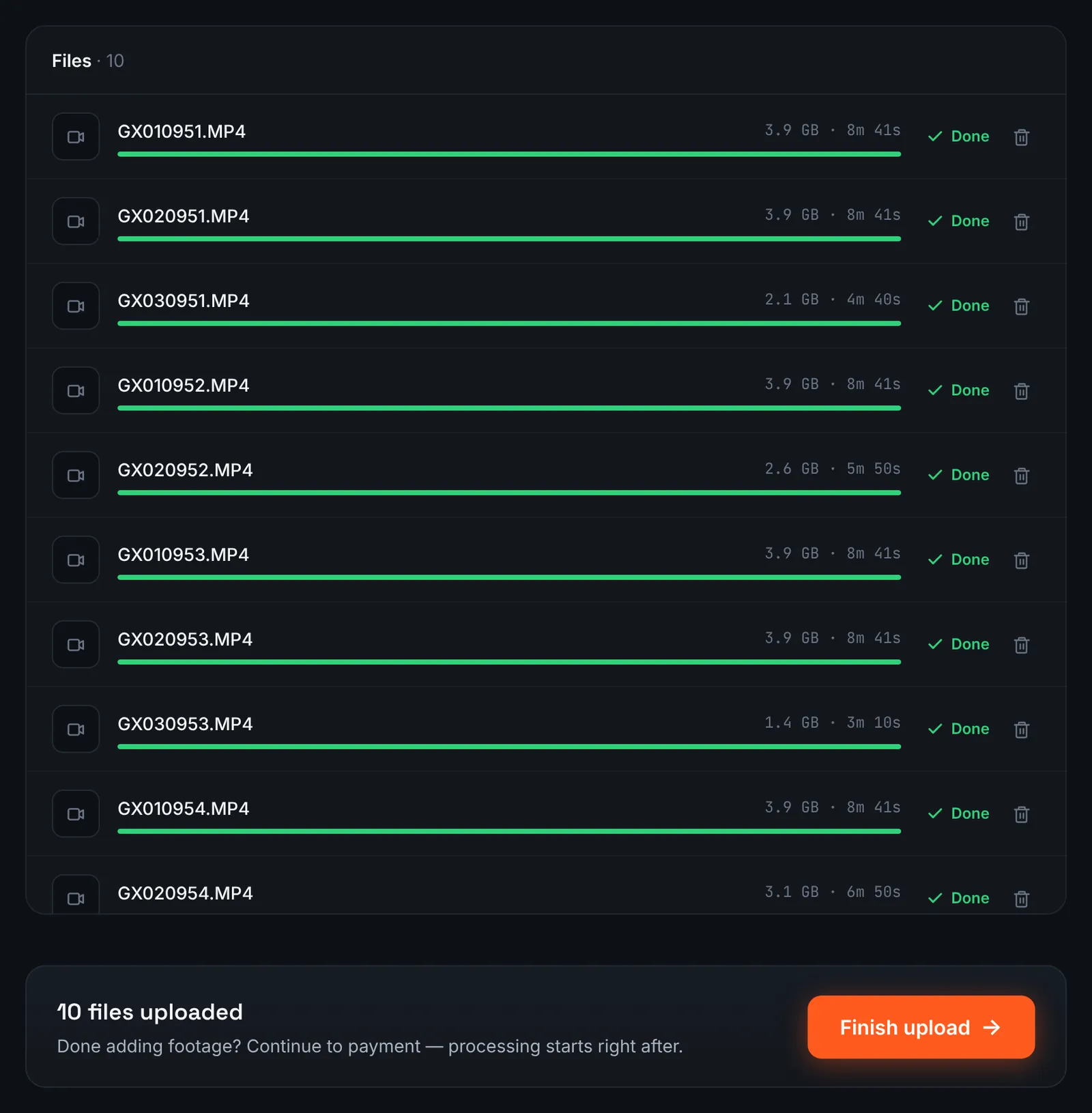
A practice day of helmet-cam motos. -
Or share the team's Google Drive folder
Teams and friends often dump track footage in Google Drive. Once the folder is viewable by "Anyone with the link", its address goes into the Google Drive link field of a new RawClip order.
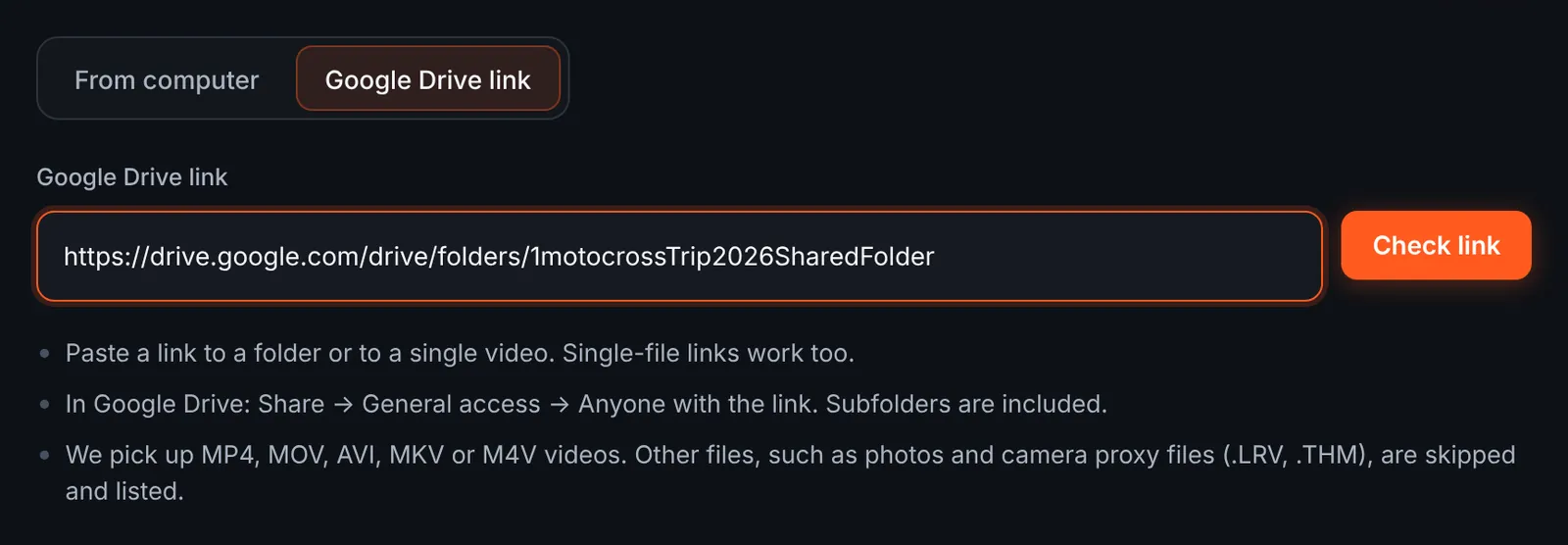
A track day folder from Drive. -
Pick the motos to download
The review lists each session with its length and the running total; GoPro proxy and thumbnail files are skipped and shown separately. Keep your motos and untick the rest.
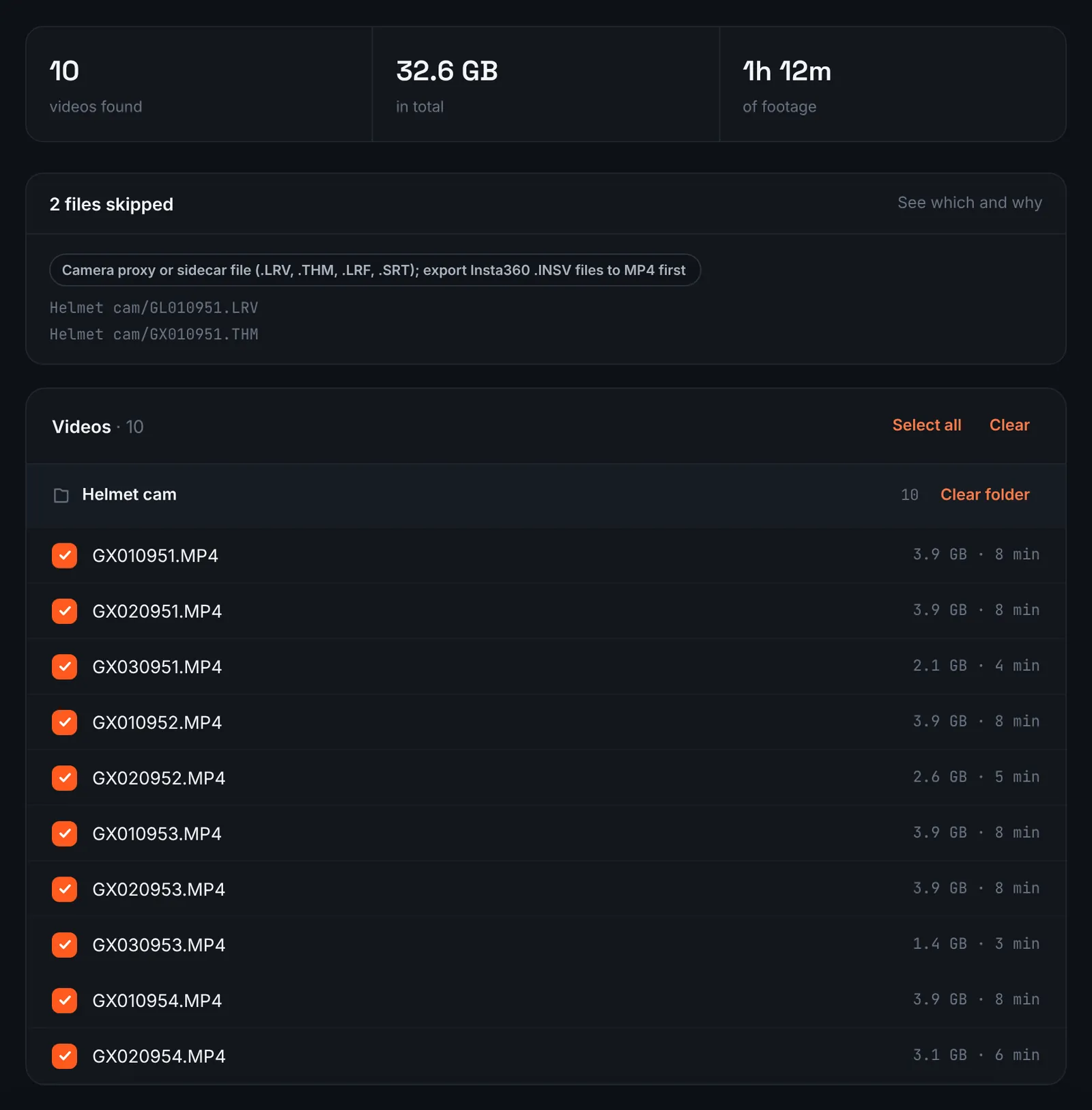
Motocross sessions found in Drive. -
Pay for the track day
A full track day is charged by the minutes recorded across every moto ($9.90 for up to 1 hour, $19.90 for up to 6 hours, $39.90 for up to 12 hours, $79.90 for up to 24 hours). Orders under 1h of footage are processed first and paid later: you watch a watermarked 480p preview and pay only to unlock the 4K and 1080p files. The sessions are then analysed while you load the van.
-
Choose a length for the moto edit
Motocross gives the analysis lots of short, intense moments. The choose screen shows each quality level with clip count and an estimated duration derived from your sessions; a high level keeps the biggest jumps and passes only.
For 3 days after the highlight is ready you can re-cut it to another length or switch the music on or off without a new upload: the first 3 re-cuts are free, each one after that is $2.90.
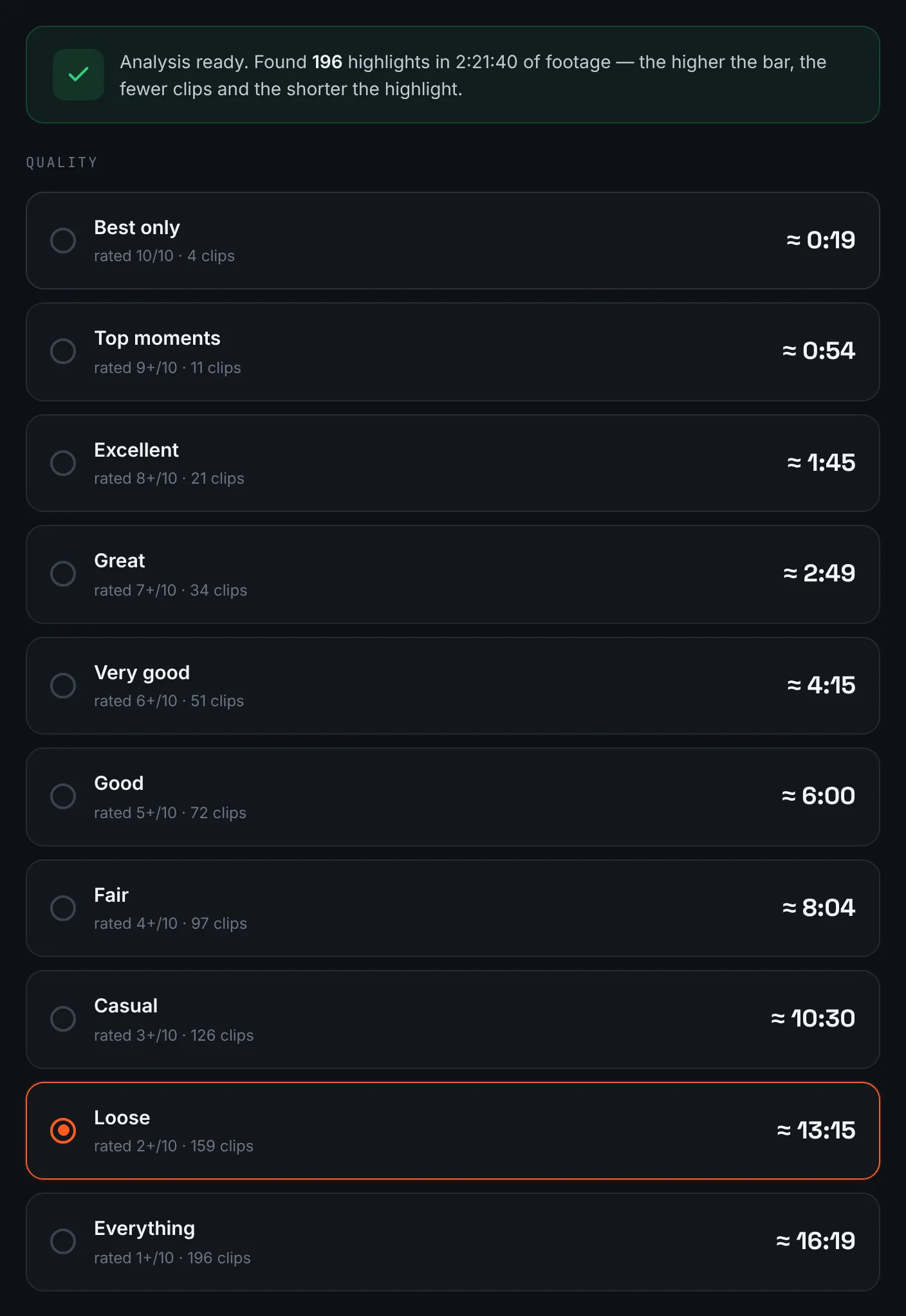
Length options for a track day. -
Download the motocross highlight
Download the moto edit in either resolution before 14 days have passed, or post the share link for the team.
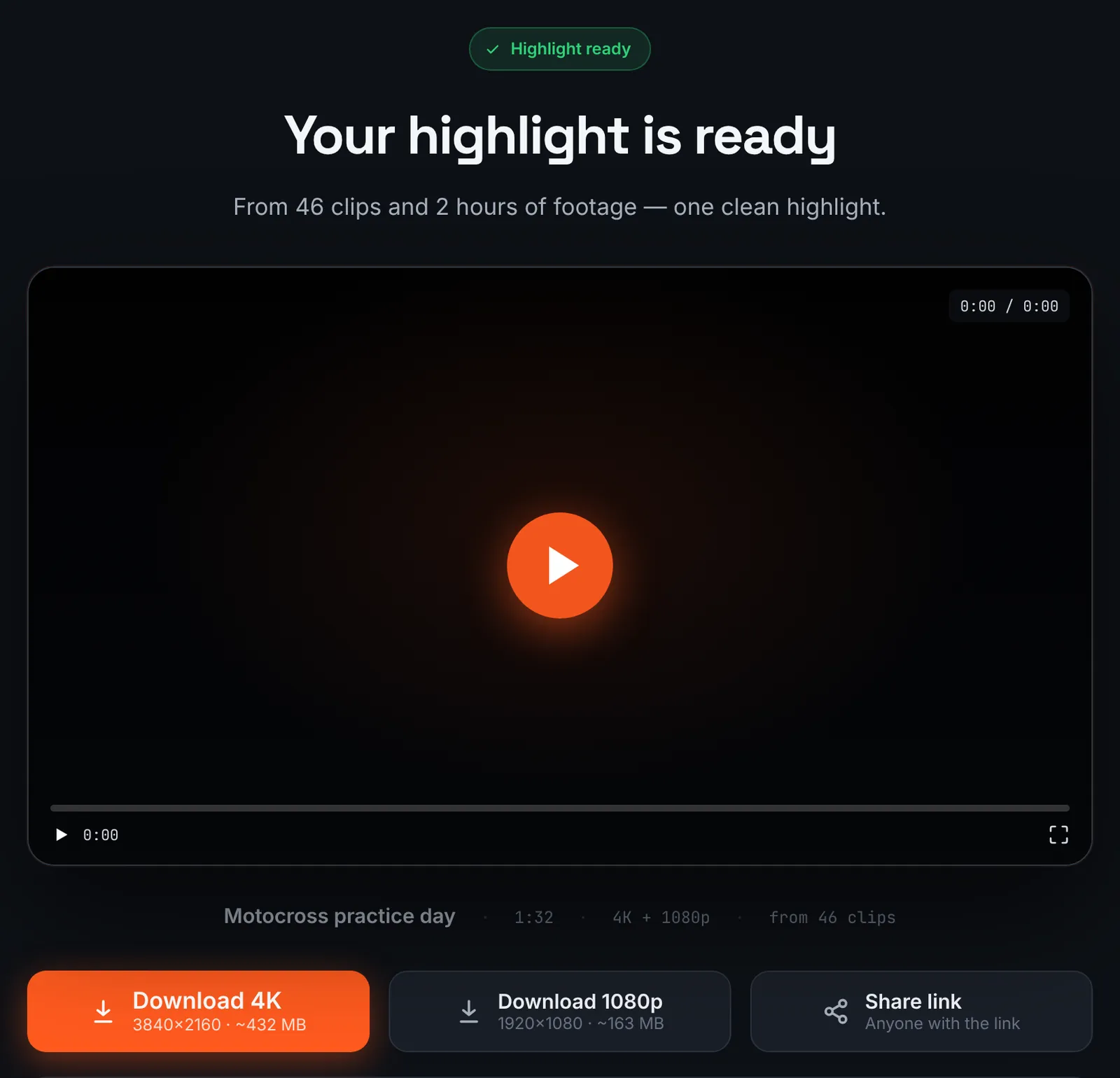
The motocross highlight.
Common mistakes and how to fix them
- Mud on the lens
- Roost covers the lens fast. Wipe it between motos; a camera behind the goggle line catches less.
- Vibration wobble
- Engine vibration causes rolling shutter jelly on bar mounts. Mount on the helmet or chest and keep stabilisation on.
- Engine noise in the edit
- With music on, the soundtrack is mixed with the camera audio. Switch music off if you want pure engine sound.
- Missed the start
- Start recording before you roll to the gate; the holeshot is often the best moment of a moto.
Doing it by hand vs with RawClip
A day at the track can mean a dozen sessions, each with laps that look much alike.
| Aspect | By hand | With RawClip |
|---|---|---|
| Finding jumps and passes | Scrub every lap | Peak moments ranked for you |
| Pit time and sighting laps | Cut out by hand | Passed over automatically |
| Telemetry | Overlays in Quik or another editor | Not added; keep the originals for overlays |
| Effects | Slow motion, speed graphs, titles | Length and music |
| Cost | Your evening after the track | $9.90 for up to 1 hour, $19.90 for up to 6 hours, $39.90 for up to 12 hours, $79.90 for up to 24 hours |
Race analysis with lap times and data overlays needs dedicated tools. A highlight of the day, to share with the team, is exactly the job for an automatic edit.
Try it with your own footage
Orders under 1h of footage are processed first and paid later: you watch a watermarked 480p preview and pay only to unlock the 4K and 1080p files. Pricing is per order and depends only on how much footage you send: $9.90 for up to 1 hour, $19.90 for up to 6 hours, $39.90 for up to 12 hours, $79.90 for up to 24 hours.