How to make a highlight video from mountain bike footage
Published · Updated
Short answer
A chest mount gives the most natural mountain bike view because it shows the bars and the trail ahead, while a helmet mount follows where you look. Film every lap or stage, upload all of it to RawClip, and choose a highlight length from the options it builds from the jumps, drops and fast sections it found.
What you need
- An action camera on a chest harness, helmet or handlebar
- Stabilisation switched on in the camera
- A laptop with a microSD slot or an external reader
- A Google Drive folder if your riding crew shares footage there
Step by step
-
Pick the mount for the trail
A chest mount such as GoPro's Chesty sits low and shows the bars, your hands and the trail, which makes speed and steepness feel real. GoPro suggests mounting the camera upside down on the chest harness for a better angle. A helmet mount is higher and follows your eyes, good for looking into corners. A handlebar mount is the most shaky, so use it for short sections only.
-
Switch stabilisation on and shoot at 60 fps
Roots and rock gardens shake a camera hard. Turn on in-camera stabilisation, HyperSmooth on recent GoPro cameras, and record at 60 fps so fast sections stay smooth. Very quick pans can still show rolling shutter wobble, which is another reason the chest beats the bars.
-
Upload every run from your computer
Copy all the laps or stages into one folder and drop it into a RawClip highlight. The climb back up, the uplift queue and the chat at the top can stay in; the analysis finds the jumps, drops and fast flowing sections.
Your friends' cameras and a second angle on your own bike belong in the same order and come out as one edit of the day.
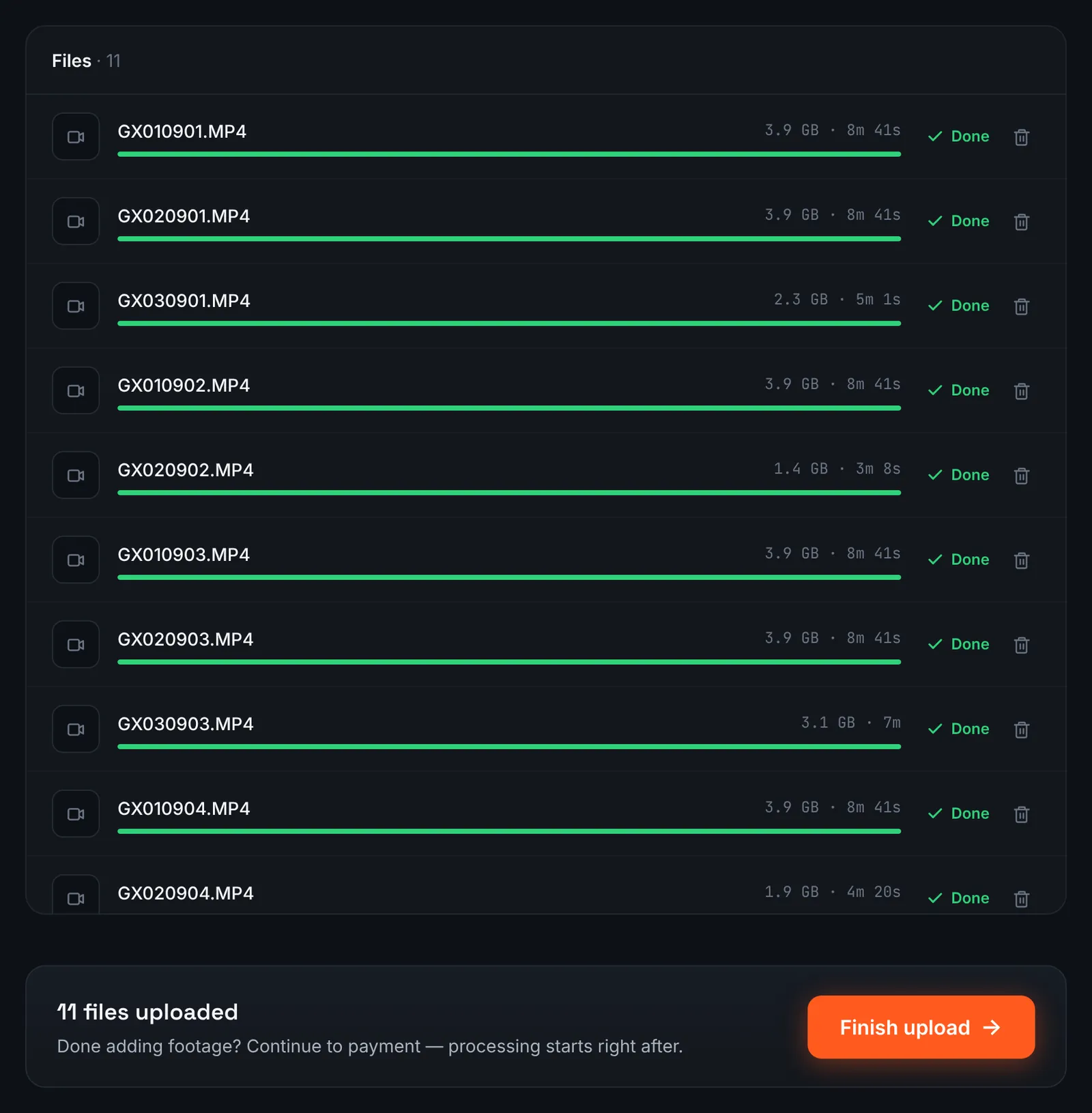
Chest and handlebar clips from an enduro day. -
Or send the crew's Drive folder
If the crew pools footage in Google Drive, turn on link sharing ("Anyone with the link") and paste that folder address after switching the RawClip source to Google Drive link.
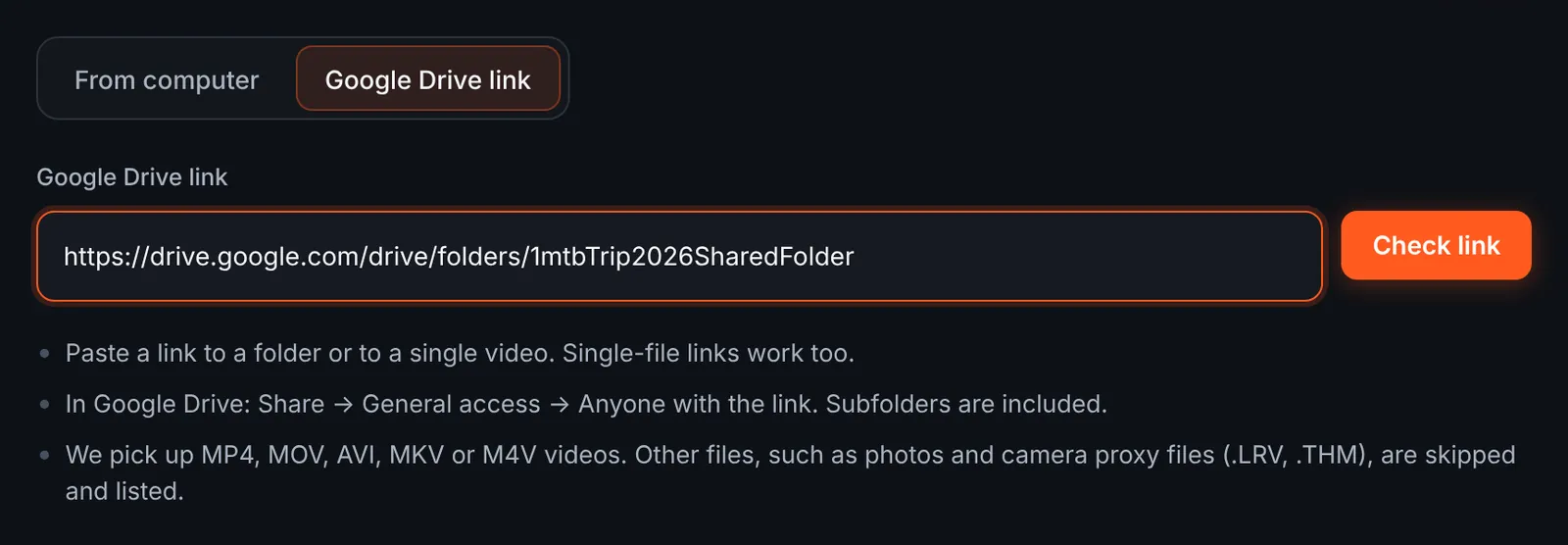
A shared MTB folder as the source. -
Review the runs found in Drive
Each run is listed with its length, grouped by folder, for example by rider or by camera position. GoPro LRV and THM files are skipped automatically. Keep the runs you want and start the download.
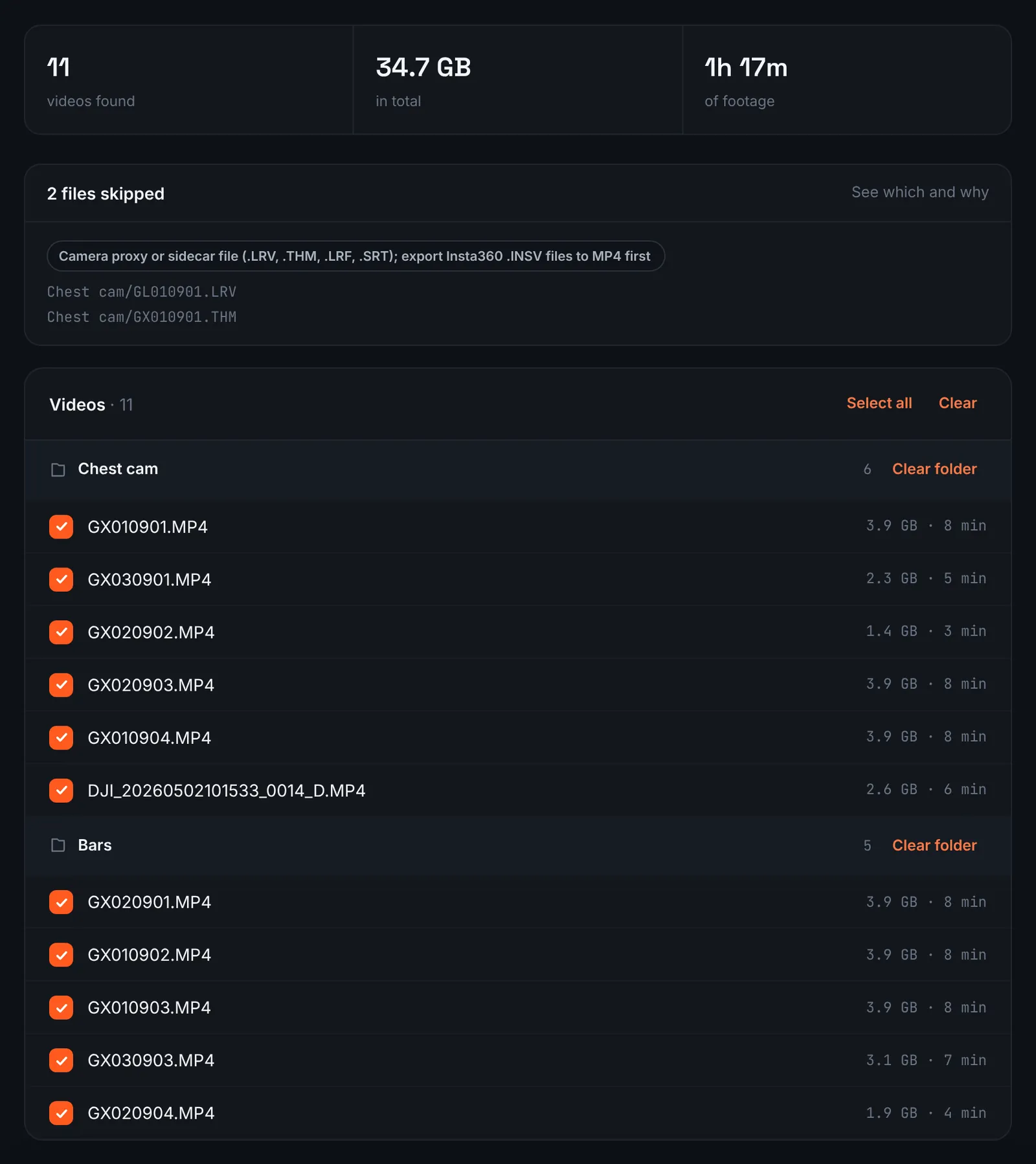
MTB runs found in the shared folder. -
Pay for the riding day
Climbs included, the whole day of riding is measured as one length and priced on that basis: $9.90 for up to 1 hour, $19.90 for up to 6 hours, $39.90 for up to 12 hours, $79.90 for up to 24 hours. Orders under 1h of footage are processed first and paid later: you watch a watermarked 480p preview and pay only to unlock the 4K and 1080p files. Every run is then analysed without further input.
-
Choose the edit length
Each quality level on the choose screen states its clip count and an approximate duration, worked out from the moments found in your runs. A long day in the bike park can offer anything from a quick teaser to a long cut of every good line.
For 3 days after the highlight is ready you can re-cut it to another length or switch the music on or off without a new upload: the first 3 re-cuts are free, each one after that is $2.90.
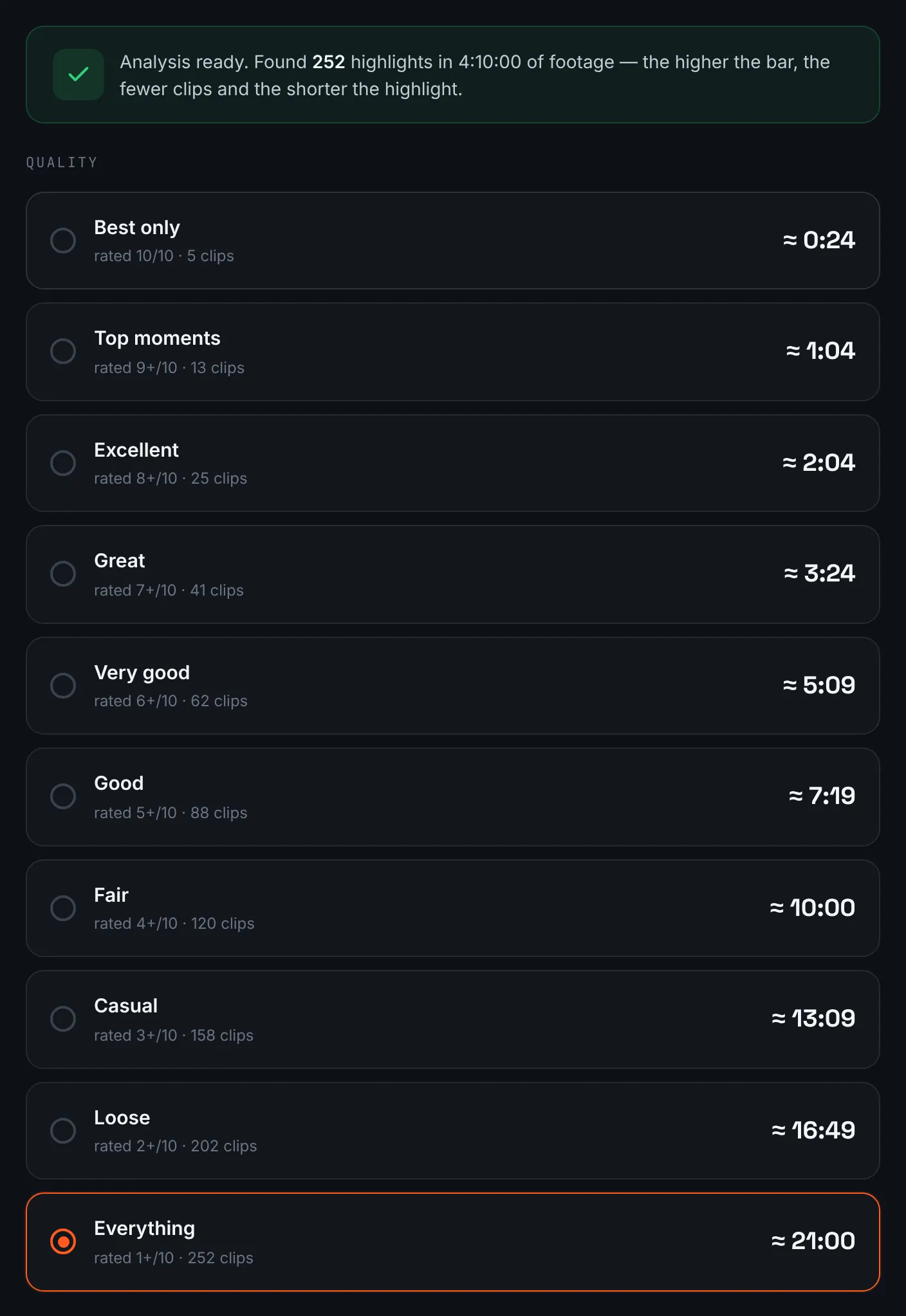
Length options for a day of riding. -
Download the MTB edit
Both resolutions and a share link are on the result page; the 4K one is worth archiving before the 14 days are up.
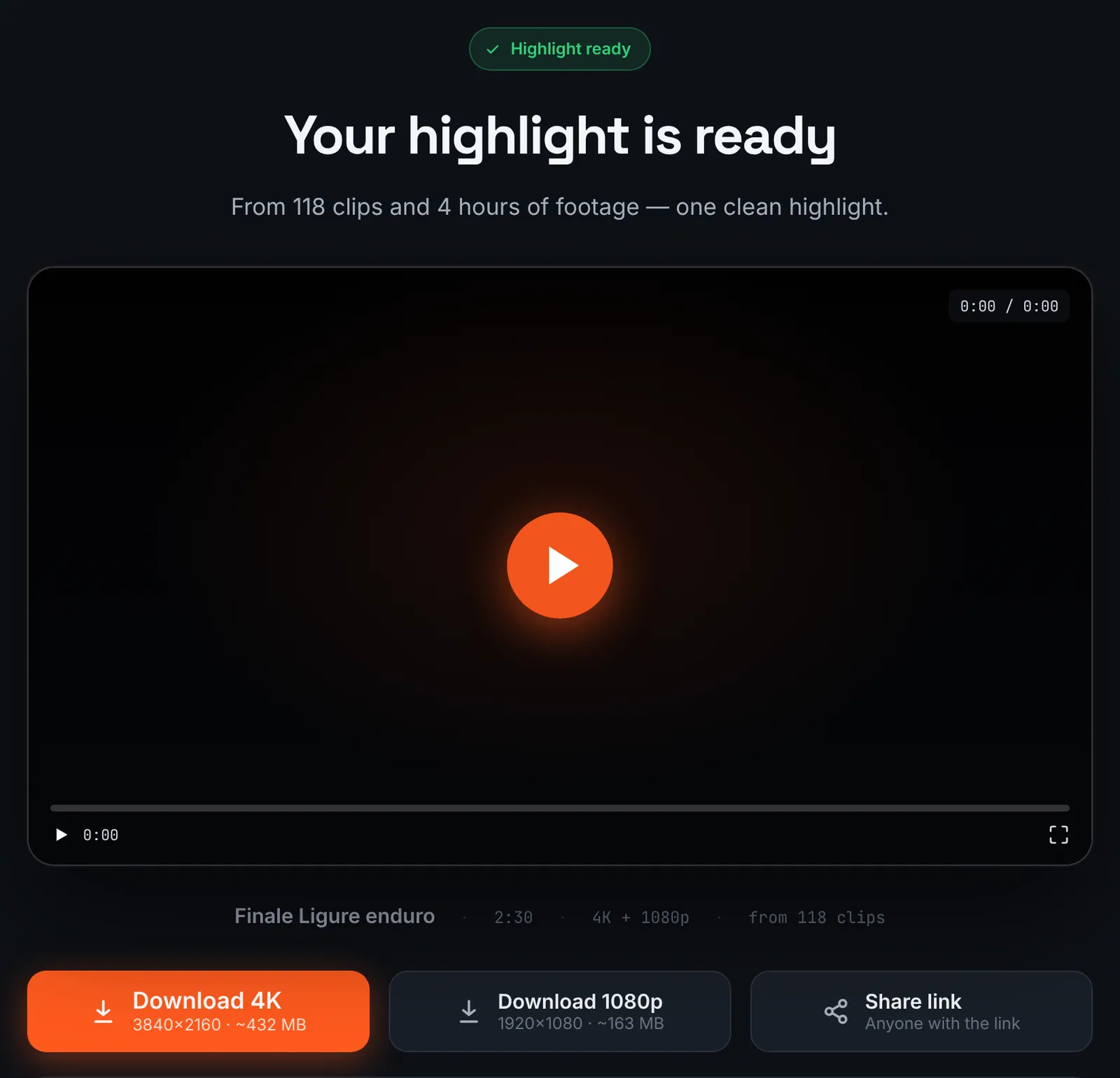
The finished MTB highlight.
Common mistakes and how to fix them
- Trails look flat
- A helmet view from high up flattens steep sections. Use the chest mount for steep tech.
- Jelly-like wobble
- That is rolling shutter from vibration. Mount on the body rather than the bars and keep stabilisation on.
- Only the front wheel and sky
- The camera angle was too high or low. Check the framing at the trailhead before the first run.
- Battery gone by lunchtime
- Carry a spare and switch off the screen or Wi-Fi if your camera allows it.
Doing it by hand vs with RawClip
A day at the bike park produces many similar runs with a handful of standout moments.
| Aspect | By hand | With RawClip |
|---|---|---|
| Similar laps | You compare runs by eye | Best moments ranked across all laps |
| Climbs and uplift queues | Cut out by hand | Passed over automatically |
| Friends' cameras | Collected and synced manually | One order for everyone |
| Extras | Speed graphs, slow motion, titles | Length and music |
| Cost | Your evening | $9.90 for up to 1 hour, $19.90 for up to 6 hours, $39.90 for up to 12 hours, $79.90 for up to 24 hours |
A segment for a race team or a sponsor needs a hand edit. A recap of a riding trip, shared with the crew the same week, is quicker as an automatic highlight.
Try it with your own footage
Orders under 1h of footage are processed first and paid later: you watch a watermarked 480p preview and pay only to unlock the 4K and 1080p files. Pricing is per order and depends only on how much footage you send: $9.90 for up to 1 hour, $19.90 for up to 6 hours, $39.90 for up to 12 hours, $79.90 for up to 24 hours.